Webbed Controls
Keyboard, mouse, gamepad, and the two silk buttons people mix up.
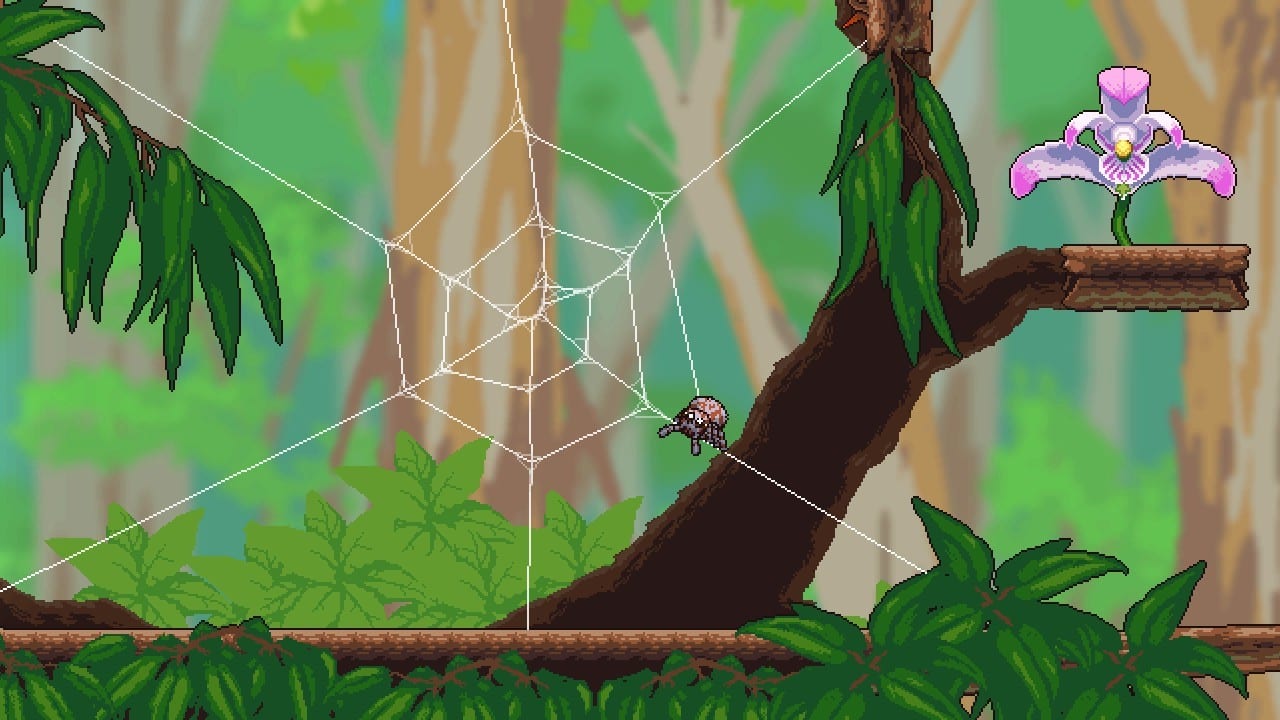
Webbed is a pointing game as much as a platformer. You aim silk, you aim lasers, you fling a second web end at a pipe you cannot quite see. Bad binds make the physics feel broken; good binds make The Dunghill look like a skate park. This page lists the default keyboard map, how the two web buttons differ, controller notes, and Steam Deck habits.
Keyboard and mouse defaults
| Action | Default |
|---|---|
| Move | WASD |
| Jump | Space |
| Swing / grapple web | Left mouse button (hold) |
| Weave / bridge web | Right mouse button (hold, aim, release) |
| Laser | E |
| Interact / talk | F |
| Dance | Q |
| Journal and map | Tab |
| Pause | Esc |
These binds match community documentation and the in-game tutorial. You can remap in the pause menu. Do not mix a keyboard weave with a mouse swing on the same action — players who rebind weave onto a mouse button they also use for Steam overlays report dropped bridges.
Swing versus weave
Left-click shoots a line that stays attached while you hold the button. Buddy zips toward the anchor. Let go and the line usually vanishes unless it brushed a second surface. Hold left-click and tap right-click to reel yourself in harder.
Right-click is the builder. Press on surface A, keep holding, aim at surface B, release to throw the near end. That lasting strand is a bridge, a pulley, a pipe strap, or a cage for flies. You walk on it, hang under it, and cut it with a laser if you aimed poorly. The web mechanics page goes deeper on slingshots, bungees, and leaf gliding.
Controller layout
Full controller support is a Steam feature, not a promise that every third-party pad maps identically. Typical Xbox-style defaults from the tutorial:
- Left stick: move
- Right stick: aim
- LT: dance
- RT: laser
- ZL / left trigger equivalents on Nintendo: often swing, with the other trigger or bumper weaving — always confirm in the in-game prompt because console ports label buttons on screen.
- X / F equivalent: talk
- Minus / Tab equivalent: journal
On PlayStation and Switch, follow the on-screen button hints during the nest. The February 2022 console ports keep the same two-web model; they do not add gyro aiming.
Steam Deck and handheld notes
Webbed is Steam Deck Verified. The trackpad is excellent for weave aiming. Many Deck players bind swing to a right-pad click and weave to a rear button so thumbs stay on the sticks. Keep deadzones modest — silk needs small aim corrections on thin twigs.
Accessibility and camera
Arachnophobe mode does not change binds. It only restyles spiders. There is no story-skip button; you mash interact to close talk bubbles. The journal’s first tab is the map: filled white nodes mean that screen is collectible-complete. Use it instead of screenshotting every room.
Common control mistakes
Players mash left-click in The Dunghill and wonder why they cannot stand on silk. That click is the temporary zip. Weave a real bridge if you need a road. Another mistake is firing lasers while holding a swing, which can cut the line you are hanging from. If a puzzle “does not work with mouse,” you are probably releasing right-click too early — the second end only flies when you let go after aiming.
Once the binds are boring, go back to Getting Started or jump into the walkthrough. The game is single-player; nobody is racing your remap except you.
Frequently Asked Questions
Quick answers to the most common Webbed questions.
How do I build a web bridge?
Hold right-click on the first surface, aim at the second, then release. Details and movement tech are in Web Mechanics.
What button is the laser?
E on keyboard, RT on a typical Xbox layout. Lasers cut silk, break wood, and shove objects.
Can I play Webbed entirely on a controller?
Yes. The game ships full controller support on PC and on the 2022 console versions.
Where is the map key?
Tab opens the journal; the first section is the world map.